HelpHelpProperties and tenancies
Record a management agreement
Record what a landlord has instructed the agency to do: the reference, the properties, the written terms, fees and the signed PDF.
- Reviewed
- Audience
- Agents
- Read
- 3 min
An agreement records what a landlord has instructed you to do. It decides who can serve notices, who answers pet requests and who carries each duty in Abide.Rent.
Who this is for: letting agencies.
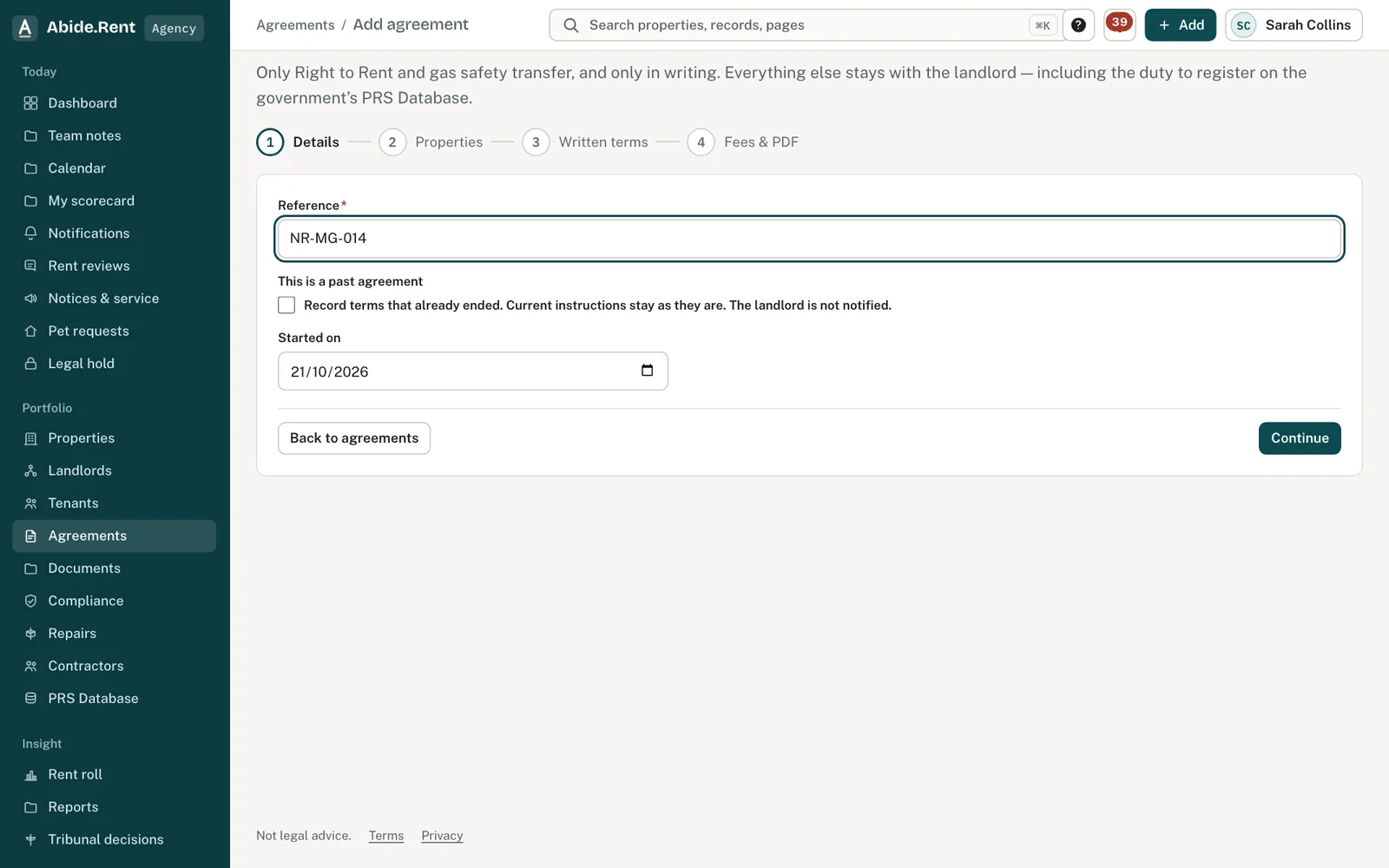
Four steps: details, properties, written terms, fees and the PDF.
What you are deciding
Which properties the agreement covers, and what it says about serving notices and the duties you take on.
Your options
- A new agreement. Start with Add agreement, give your reference and link the properties.
- An older agreement. Tick This is a past agreement and give the date it started.
- Draft it in Abide.Rent. Use the management agreement template under Documents and send it for signature.
- Upload a signed copy. Upload the PDF you already hold on the agreement.
How to do it
- Open Agreements and select Add agreement.
- Details: type your reference and the start date. Tick This is a past agreement for one signed before today.
- Properties: choose the properties it covers. They must all be held by your agency.
- Written terms: record whether the landlord has given written authority to serve notices, the notice period and the duties you take on.
- Fees & PDF: record the fee and upload the signed agreement, or draft one for signature.
- Open each property's Management tab to check its service level.
Only two duties can move
Only Right to Rent checks and gas safety can be taken on by an agent, and only in writing. Every other duty stays with the landlord whatever the agreement says. Abide.Rent shows the duties as you record them; a solicitor confirms the clause.
A worked example
On Wednesday 21 October 2026 Northgate Residential records agreement NR-MG-014 with Ashworth Holdings Ltd, started 1 September 2026. It links 49 Essex Drive and 12 Walmersley Road, records written authority to serve and a three-month notice period, and uploads the signed PDF. From then on, the agency's managers can generate and serve Form 4A on both properties.
What Abide.Rent does for you
- Uses the agreement to decide who may serve notices and who answers pet requests.
- Keeps the signed PDF with the agreement.
- Shows each linked property's service level on its Management tab.
If something goes wrong
- “These dwellings are held by different agencies. Record one agreement for each agency.”
What to do: Split the properties into one agreement per agency. - “This dwelling is on your own workspace, so there is no agency to record the agreement with.”
What to do: Agreements are between a landlord and an agency. A self-managed property does not need one. - “Choose a dwelling the agency holds, so the agreement is recorded with that agency.”
What to do: Link at least one property the agency manages. - “No … PDF on this agreement”
What to do: Upload the signed PDF on the agreement.
Common mistakes
- Linking properties held by two different agencies to one agreement: record one agreement for each agency.
- Assuming authority to serve without recording it: the notice actions stay unavailable until it is recorded.
What to do next
More in Properties and tenancies
 Documents, templates and signingStart a statement of terms, privacy notice, pet letter or agreement from a template, fill it from the tenancy, and have everyone sign it in order.
 Moving in and out, and settling the depositChecklists both sides sign off, the details the law asks to be on record, and deposit deductions the tenant answers one by one.
 Self-managed and mixed portfoliosManage some properties yourself and use an agent for others. The service level sits on each property, so a mix is normal.