Getting started as a letting agency
Set up your agency in the order that pays off soonest: business details, a first property, its tenancy, its dates, then your team.
- Reviewed
- Audience
- Agents
- Read
- 3 min
The set-up steps take about five minutes and can be left and picked up again at any time, on any device.
Who this is for: letting agencies.
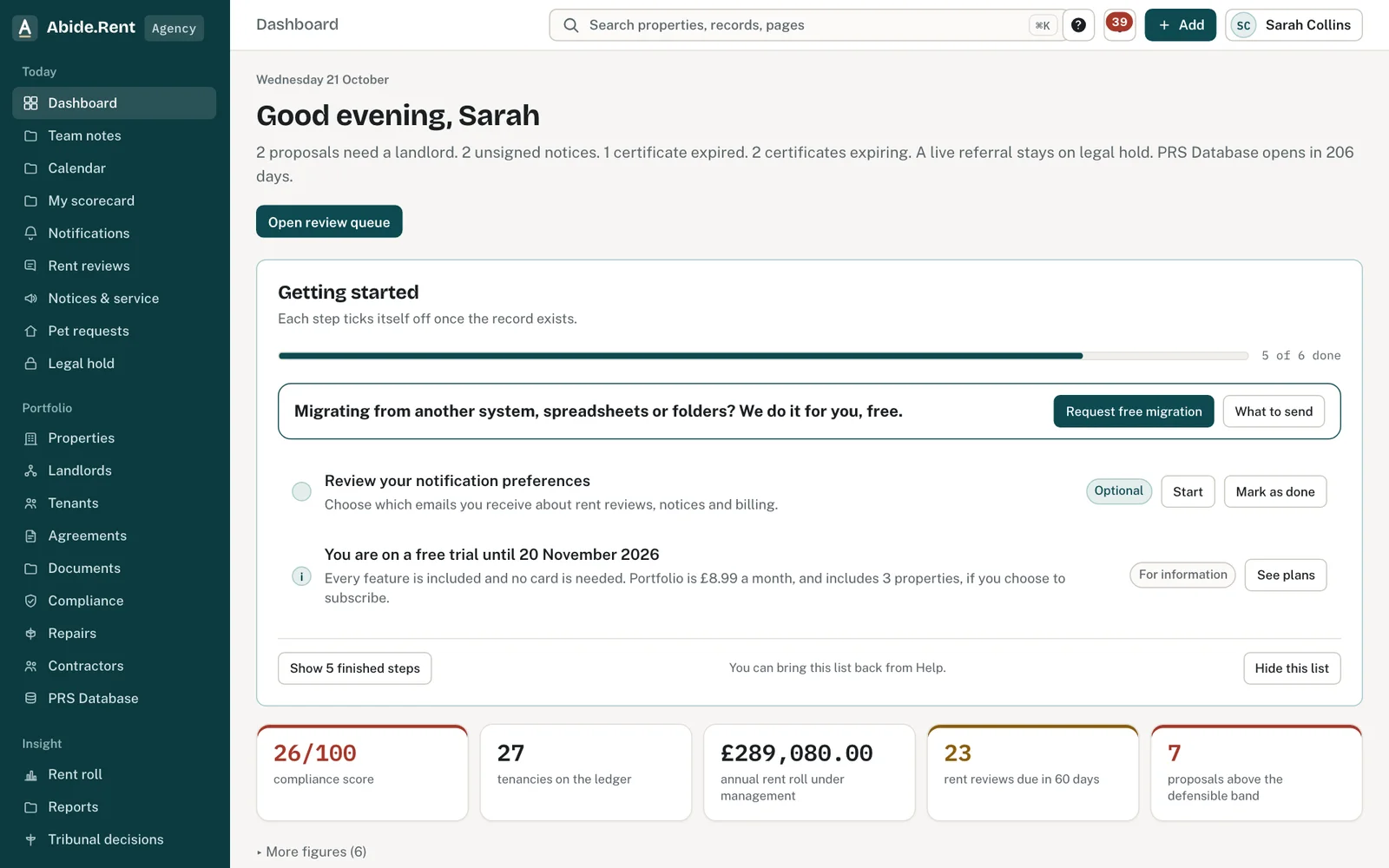
Getting started: each step ticks off once the record exists.
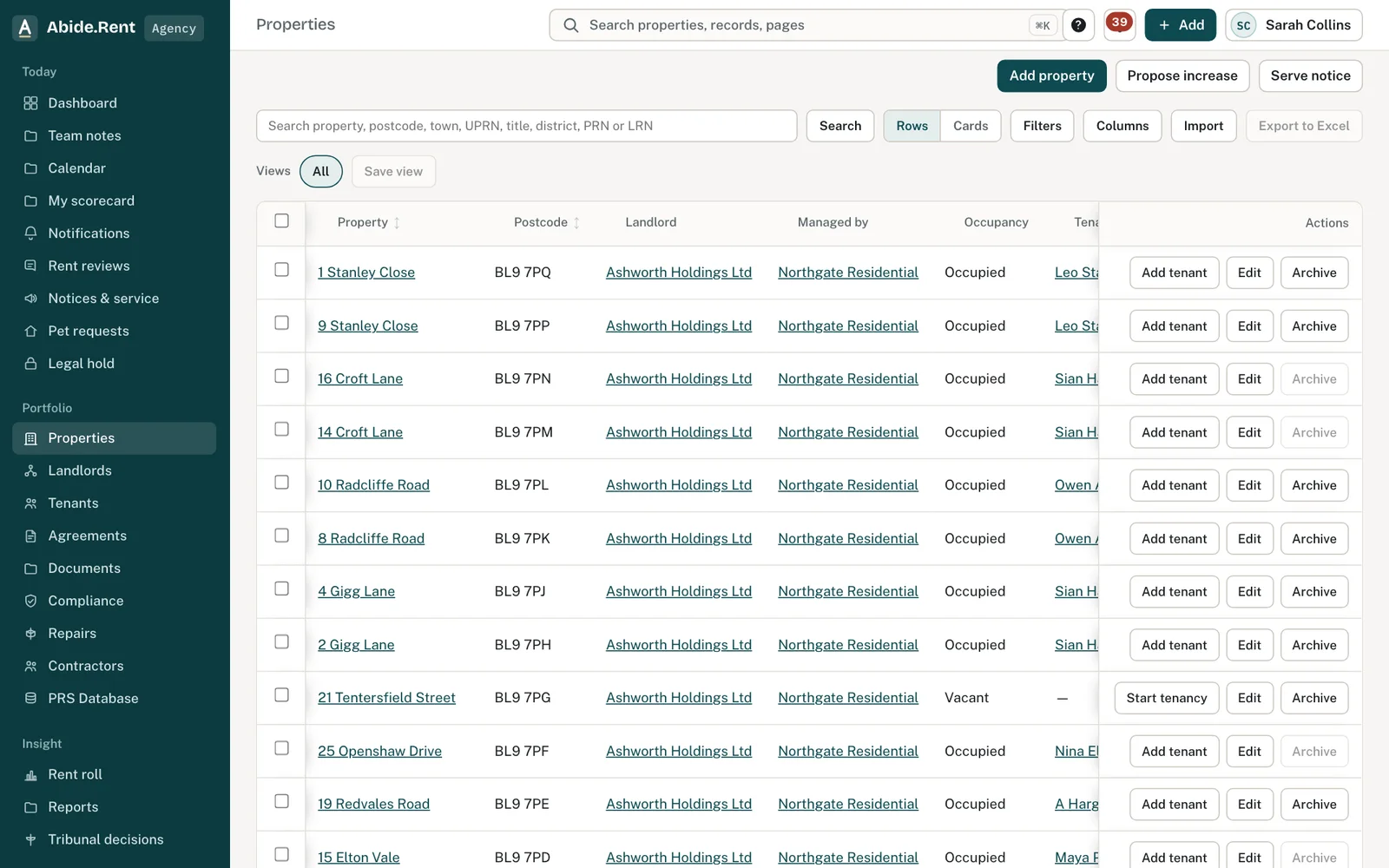
Properties: Add property, Propose increase, Serve notice and Import are at the top.
What you are deciding
What to set up first, and what can wait.
Your options
- Do the set-up steps in order. Business details, first property, tenancy, compliance dates and invitations. You finish with one complete property to look at.
- Import first. If you manage more than a handful of properties, import your spreadsheet and come back to the steps. They tick themselves off from your records.
- Skip for now. Every optional step has Skip for now, and Do this later closes the set-up. Your getting-started list stays on the dashboard until it is done or you hide it.
How to do it
- Add your business details: the name you trade under, your registered address and a phone number. They appear on the notices and documents you prepare.
- Add your first property, with the landlord if you have their email address.
- Record its tenancy: the tenant, the rent and the start date. The tenant is invited to their free portal.
- Enter the compliance dates you have to hand: gas safety, EICR and EPC.
- Invite the landlord and tenant, then your team. Both are optional.
A worked example
Fern Lettings signs up on Thursday 1 October 2026. Its owner adds the business details, then 12 Market Street, Leeds, let at £1,250.00 a month since Saturday 1 March 2025. She enters a gas safety expiry of Friday 13 November 2026. The dashboard now shows one property, one tenancy and a reminder due on Wednesday 14 October 2026, 30 days before the certificate expires. She invites two colleagues as negotiators and imports the remaining 38 properties the next morning.
What Abide.Rent does for you
- Remembers the screen you reached, so closing the page loses nothing.
- Ticks each step off from your real records, not from a box you tick.
- Shows the days left on your free trial, with no card needed.
If something goes wrong
- A Getting started step will not tick
What to do: Each step ticks itself off when the record exists. “That step is completed from your records, not by ticking it.” Add the record and the tick follows. - Imported properties show no certificates
What to do: The certificate columns were empty or had no expiry date. Add the dates on each property, or re-import with the expiry columns. - Colleagues cannot see anything
What to do: Invite them from People & access → Invite person and give them a seat. Invitations last 14 days.
Common mistakes
- Skipping business details. Without a registered address your notices and emails show only your name.
- Inviting the whole team before a property exists. They arrive to an empty account.
- Entering the rent for the wrong period. Rent is recorded per month unless you change the frequency on the tenancy.
What to do next
More in Getting started
 Getting started as a landlordAdd a property you let, record its tenancy and dates, and invite your tenant. If an agent manages it, invite your agent instead.
 Getting started as a tenantYour portal is free. It shows your tenancy, every notice you are sent and the dates that matter, and lets you reply.
 Your business details and where they appearYour trading and legal names, registered address, company number and redress scheme appear on notices, emails, invoices and your tenants' portal.