Getting started as a landlord
Add a property you let, record its tenancy and dates, and invite your tenant. If an agent manages it, invite your agent instead.
- Reviewed
- Audience
- Landlords
- Read
- 3 min
Whether you manage your properties yourself or through an agent decides what you set up here.
Who this is for: landlords.
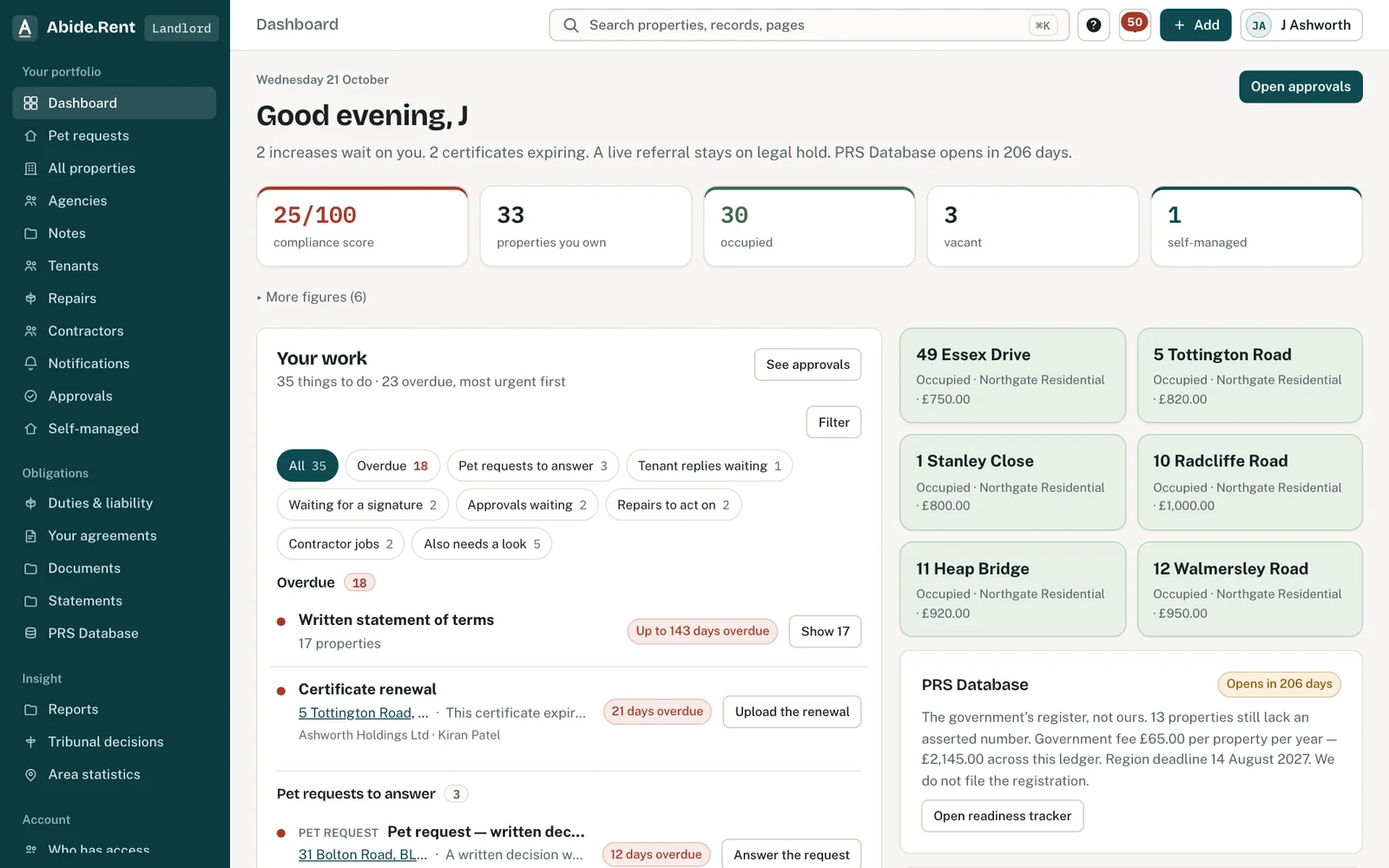
The landlord dashboard: your work, approvals waiting and the compliance score.
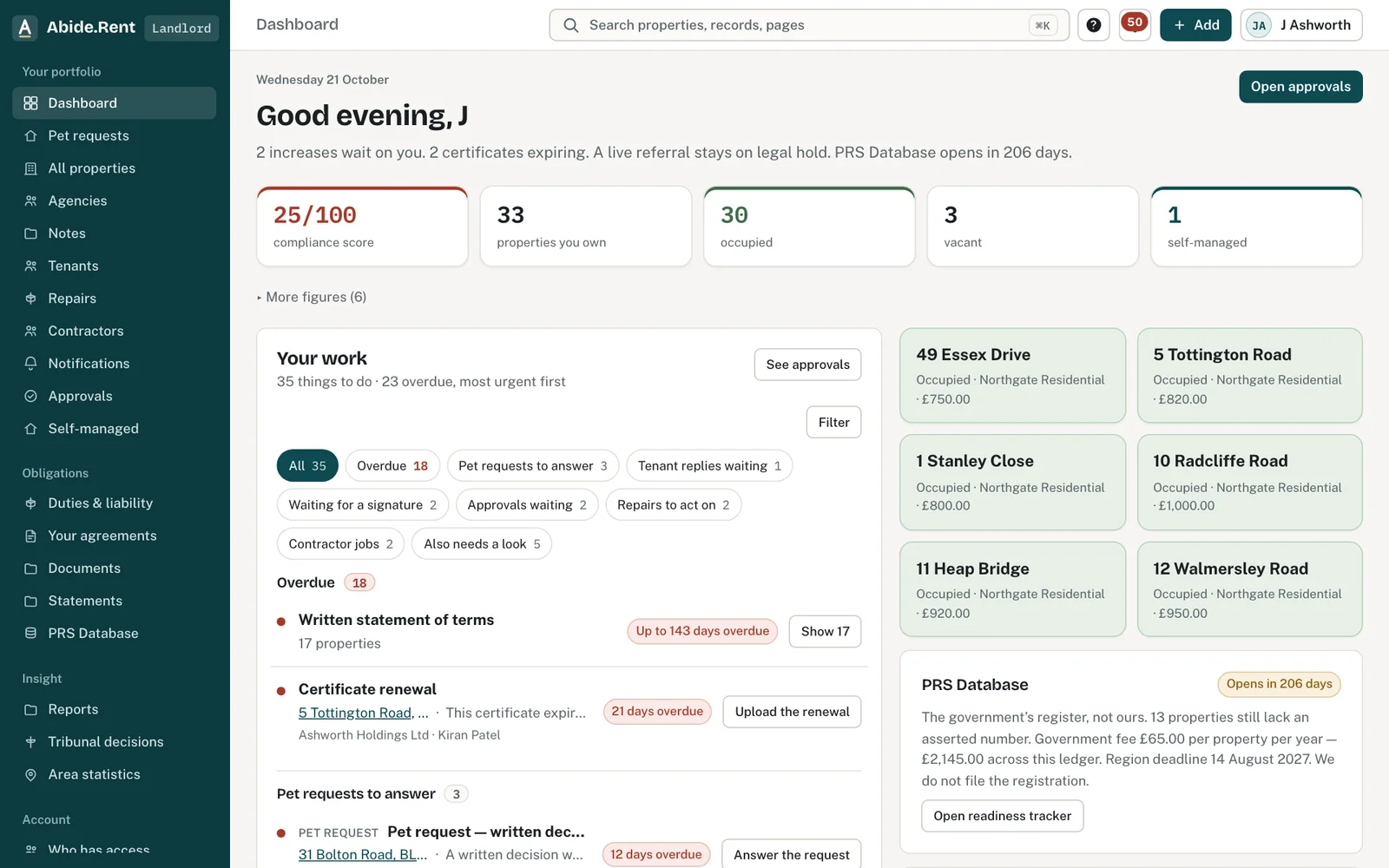
Your properties: managing agent, service, occupancy and the duties that stay with you.
Approvals: approve, decline, ask a question or propose different figures.
What you are deciding
Whether to keep the records yourself, or to have your agent keep them and see them through your own account.
Your options
- I let the property myself. You add the property, the tenancy and the compliance dates, and you prepare and serve notices yourself.
- An agent manages it for me. Invite your agent. The properties they manage appear on your account once they add them, and you approve rent reviews when they ask.
- Some of each. Add the properties you manage yourself. The ones your agent manages appear beside them, each marked with who manages it.
How to do it
- Confirm your details, and say whether you let through an agent.
- Add your first property.
- Record the tenancy: the tenant, the rent and the date it started.
- Enter the compliance dates you have: gas safety, EICR and EPC.
- Invite your tenant to their free portal.
A worked example
Asha lets one flat, 4 Orchard Close, Bury, at £950.00 a month. She signs up on Thursday 1 October 2026, adds the flat and its tenancy, which began on Monday 2 June 2025, and enters an EICR expiry of Sunday 14 March 2027. Her tenant receives an invitation the same day. Asha's trial runs for 30 days. With one property she can stay on Solo afterwards at no charge, or subscribe to Portfolio at £8.99 a month.
What Abide.Rent does for you
- Shows which of your properties you manage and which your agent manages.
- Keeps your own copy of every document issued for your properties, whoever prepared it.
- Reminds you before certificates expire on the properties you manage yourself.
If something goes wrong
- Your properties list is empty
What to do: Your agent may manage them from their account and has not invited you yet. Ask them to invite you, or add your own properties with Add property. - “Appointed agents are listed in the landlord workspace.”
What to do: You are in the agency view. Switch to your landlord account from your name at the top right. - Approvals is empty but your agent says they sent one
What to do: Check you signed in with the email the agent has on record. Ask them to check the landlord's email on the property.
Common mistakes
- Adding a property your agent already manages here. Ask your agent to invite you to it instead, so there is one record, not two.
- Forgetting the tenancy start date. The earliest date for a rent increase is worked out from it.
- Assuming your agent has taken on every duty. Only two can pass to an agent, each in writing.
What to do next
More in Getting started
 Getting started as a letting agencySet up your agency in the order that pays off soonest: business details, a first property, its tenancy, its dates, then your team.
 Getting started as a tenantYour portal is free. It shows your tenancy, every notice you are sent and the dates that matter, and lets you reply.
 Migrating your records to Abide.Rent: we do it for you, freeSwitching from another system, spreadsheets or folders of documents? Send us what you have and we import it and set you up, at no cost.