Ask the assistant about your records
Ask a question about your properties, certificates, notices, repairs and deadlines, and get an answer that links to each record it used.
- Reviewed
- Read
- 3 min
The assistant answers questions about the records in the account you have open. Open Help and select Ask. Each answer links to the records it relied on, so you can check them.
Who this is for: letting agencies and landlords.
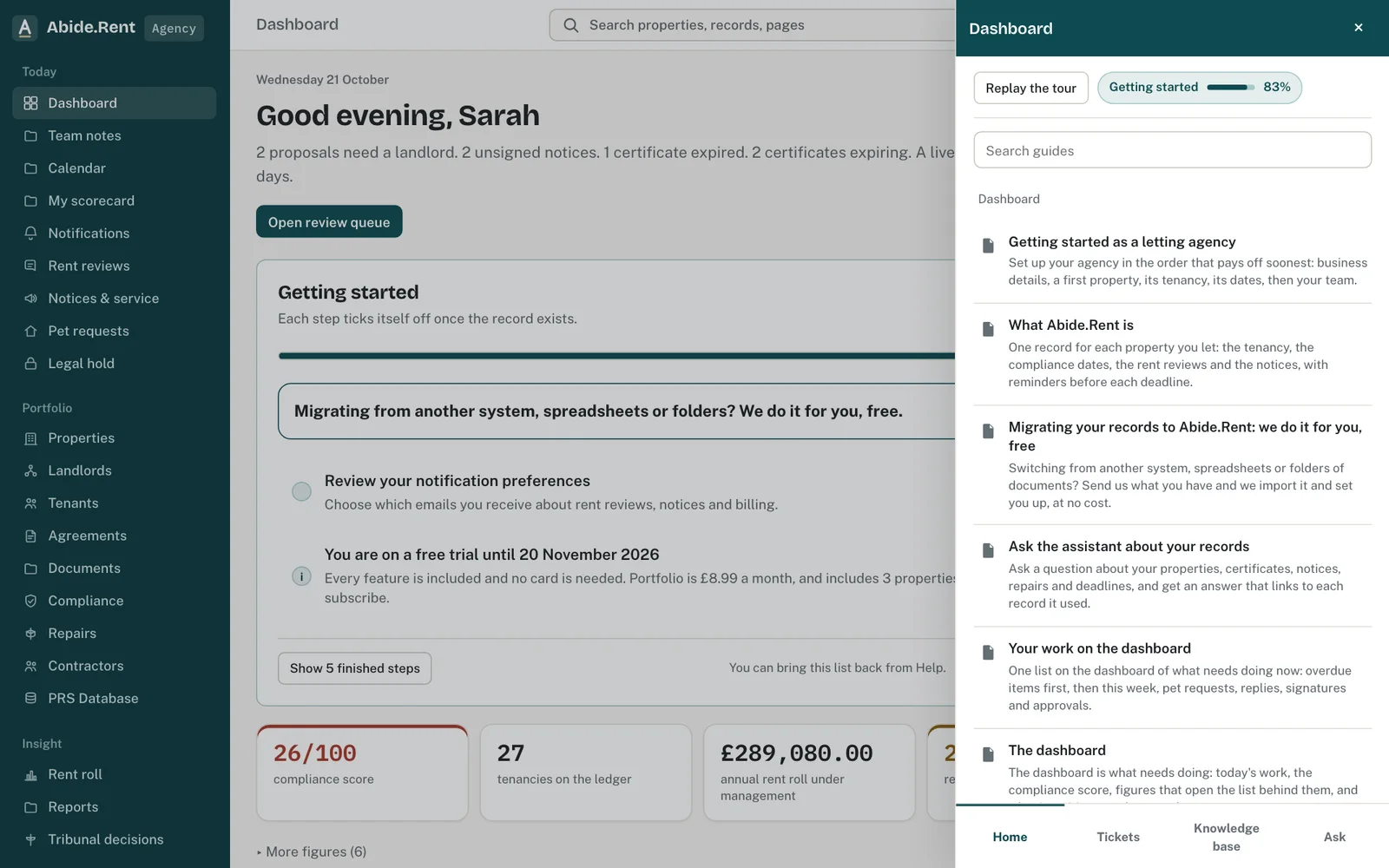
The help panel: guides for the screen you are on, search, and Ask where the assistant is switched on.
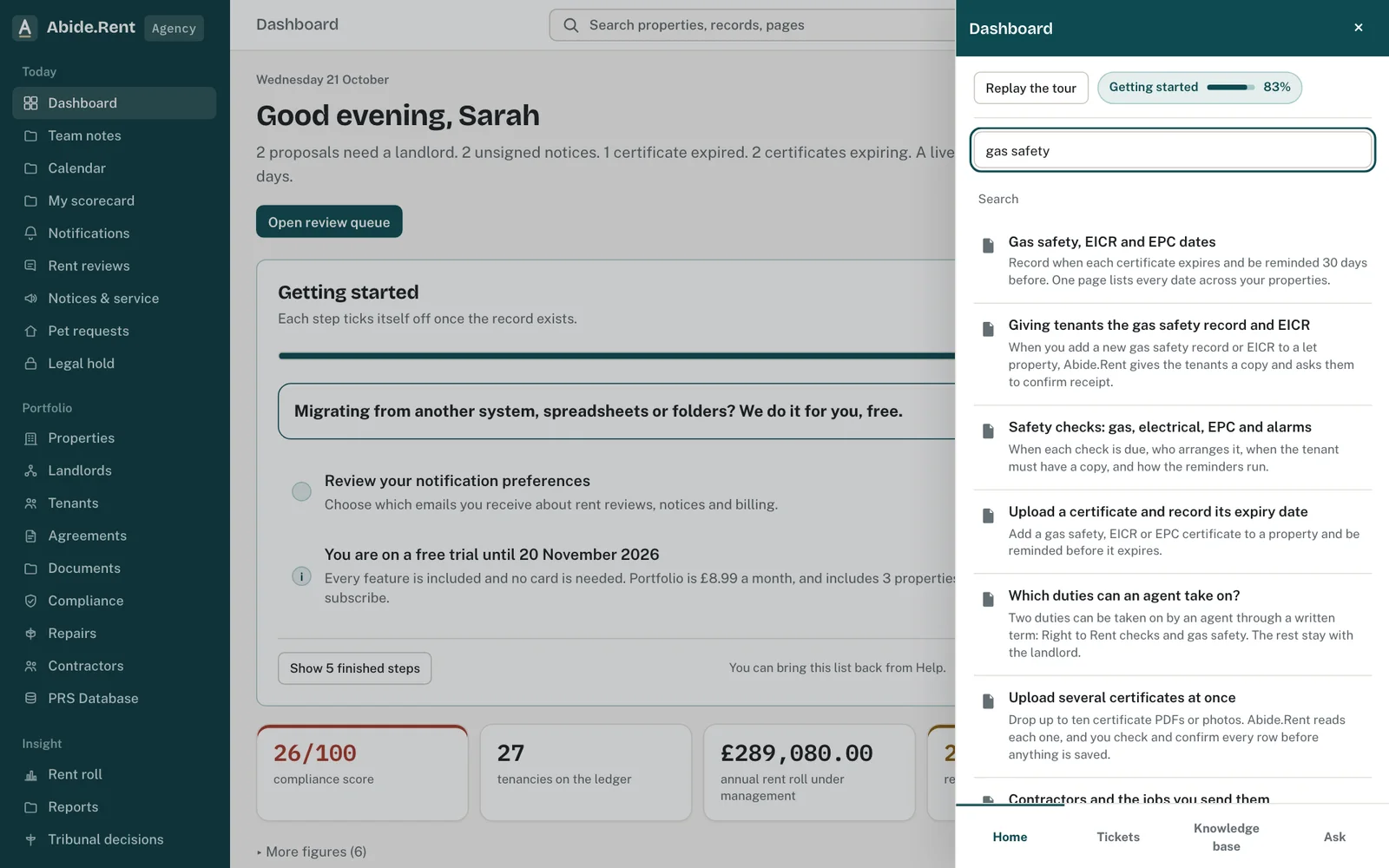
Search results open the guide in the panel, without leaving your page.
What you are deciding
Whether the answer is enough, or whether to open the records it cites and check them yourself.
Your options
- Use the answer as a pointer. Quick for questions like what is due this month. Open the linked records before acting on anything.
- Open each cited record. Slower, but you see the full record, its history and its documents.
- Search instead. When the assistant is not switched on, or for a record you can name, search finds it directly.
How to do it
- Select Help in the top bar, then Ask.
- Type a question, for example which gas safety records expire in the next 60 days.
- Select Ask. The answer names the records it used; select one to open it.
- Check anything that matters against the record itself before acting on it.
What it can see
Only the records in the account you have open: its properties, current occupancies, certificates, notices, open repairs and the deadlines Abide.Rent works out for them. It never sees another account's records, and no names, email addresses or phone numbers are sent with your question.
Each person can ask a set number of questions each day; the panel shows how many are left. Answers are not legal advice. Where the law matters, a solicitor should confirm.
If the assistant is not switched on, the panel says so and offers search and the help guides instead.
A worked example
On Monday 19 October 2026 an agent asks which gas safety records expire before Christmas. The assistant answers that two do: 49 Essex Drive on Friday 13 November 2026 and 7 Ashfield Grove on Thursday 3 December 2026. Each address is a link to that property's Compliance tab. The agent opens both, books the engineers and asks nothing further, leaving 29 questions for the day.
What Abide.Rent does for you
- Answers from the records in the open account only, and links to each one it relied on.
- Leaves out any record it was not given, so a link always opens a real record.
- Marks every answer as not legal advice.
If something goes wrong
- “The assistant is not switched on for Abide.Rent yet. Search your records or open the help guides instead.”
What to do: The assistant is not available on this account yet. Use the search box at the top, or the help guides. - “The assistant could not answer just now. Try again in a minute, or search your records.”
What to do: Wait a minute and ask again. If it keeps happening, open a ticket. - “Keep the question under … characters.”
What to do: Shorten the question, or split it into two. - The answer looks wrong
What to do: Open the records it links to and check them; the record is always the source. Tell us on a ticket with the question you asked.
Common mistakes
- Treating an answer as a record. The record is the source; the answer is a summary of it.
- Asking about another account. Switch to that account first.
What to do next
More in Getting started
 Getting started as a landlordAdd a property you let, record its tenancy and dates, and invite your tenant. If an agent manages it, invite your agent instead.
 Getting started as a letting agencySet up your agency in the order that pays off soonest: business details, a first property, its tenancy, its dates, then your team.
 Getting started as a tenantYour portal is free. It shows your tenancy, every notice you are sent and the dates that matter, and lets you reply.