Giving the deposit prescribed information to the tenant
Give the tenants the deposit scheme's prescribed information through Abide.Rent, and see when each one confirms receipt.
- Reviewed
- Read
- 3 min
When you protect a deposit, the tenant must be given the prescribed information within 30 days of the deposit being received. You can give it through Abide.Rent, with the scheme's PDF, and see when the tenant confirms receipt.
Who this is for: letting agencies and landlords.
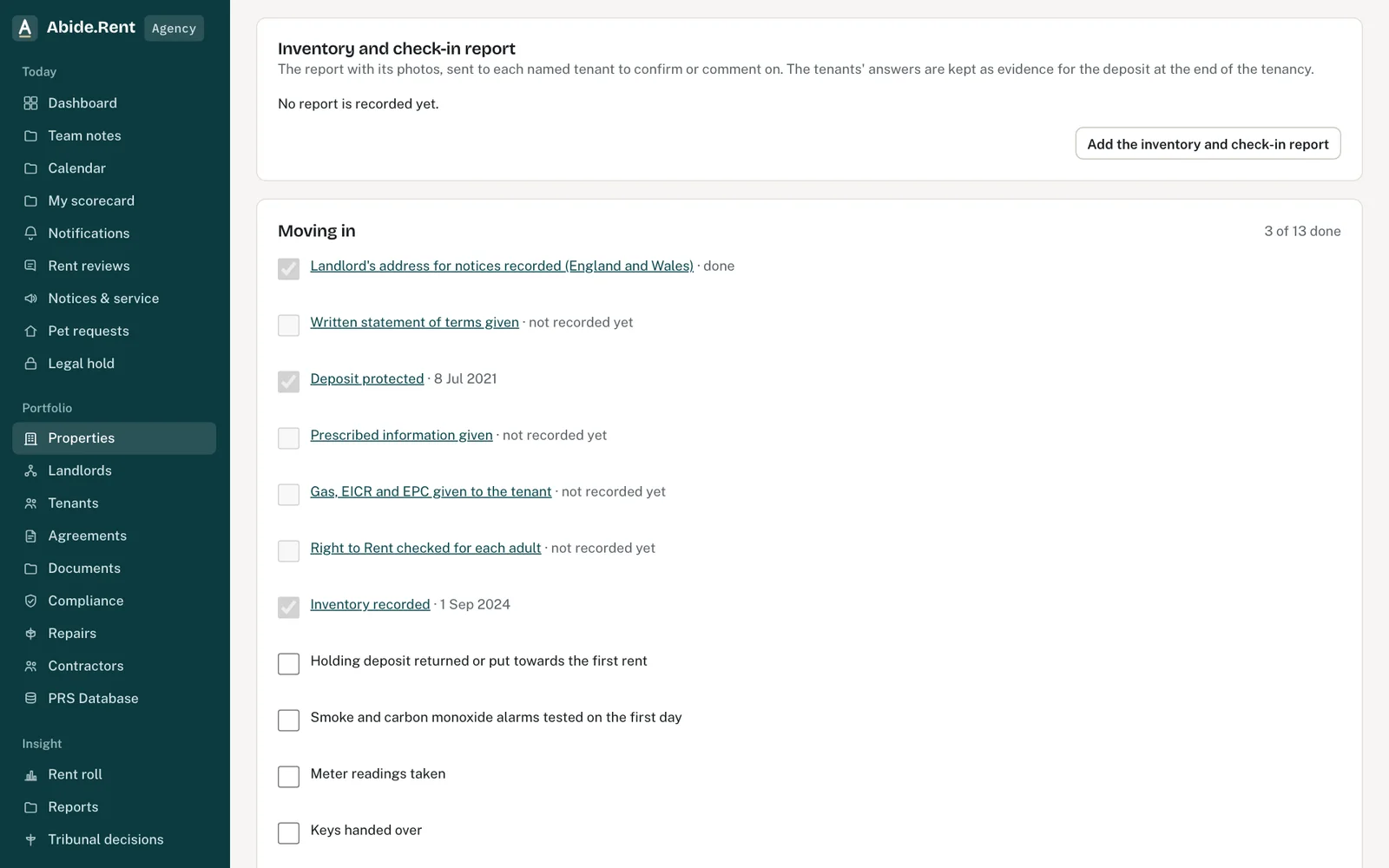
The deposit: protected and the prescribed information given, with dates.
What you are deciding
How to give the prescribed information, and how to show later that you did.
Your options
- Give it through Abide.Rent. Attach the PDF the scheme produced and select Give to the tenants through Abide.Rent. The named tenants are sent it, asked to confirm receipt, and today's date is recorded as the date it was given.
- Record a date given another way. If you handed it over on paper or by email, edit the deposit and enter the date in Prescribed information served on.
- Give it again. If the tenant has not confirmed, you can give it again. The new date is recorded and the messages are kept.
How to do it
- Open the property and select the Deadlines tab.
- In the deposit card, choose the scheme's PDF if you have it.
- Select Give to the tenants through Abide.Rent and confirm.
- Open Messages in the deposit card to see who was told and when, and when the tenant opened it.
What Abide.Rent checks, and what it does not
Abide.Rent records when the information was given and whether the tenant confirmed receipt. It does not check the wording, which comes from the deposit scheme. The evidence gaps report lists a held deposit with no date given, and one given through Abide.Rent that the tenant has not confirmed.
A worked example
A deposit of £1,100.00 is received on 1 September 2026 and protected with the Deposit Protection Service on 9 September 2026. On 14 September 2026 the agent attaches the scheme's PDF and gives it through Abide.Rent. The tenant opens it in their portal and confirms receipt on 15 September 2026, and the deposit card shows both dates, well inside the 30 days.
What Abide.Rent does for you
- Sends the prescribed information to every named tenant, with the scheme's PDF if attached.
- Records the date given and the tenant's receipt on the deposit and in the deadline's timeline.
- Keeps the message trail: who was told, by which channel, and when.
- Lists unconfirmed receipts in the evidence gaps report.
If something goes wrong
- “Record the deposit before giving the prescribed information.”
What to do: Record the deposit first. - “Attach the prescribed information document from the deposit scheme before recording the date it was given.”
What to do: Attach the scheme's PDF. - “The date the prescribed information was given cannot be in the future.”
What to do: Enter the date it was actually given.
Common mistakes
- Giving it before the deposit is recorded as held. Record the deposit first.
- Assuming the scheme's own email to the tenant is enough record. Keep the date here too.
- Waiting for the tenant's confirmation before counting it as given. The date given is the day it was sent.
What to do next
More in Compliance
 Giving tenants the gas safety record and EICRWhen you add a new gas safety record or EICR to a let property, Abide.Rent gives the tenants a copy and asks them to confirm receipt.
 A contractor's job link and their uploadsEach job is sent with a private link that works for 30 days. Certificates a contractor uploads count only once you approve them.
 Contractors and the jobs you send themKeep your own list of contractors with their trades, areas, registrations and insurance, and send them jobs from a repair or a renewal.