Reports across your properties
Six read-only reports: compliance risk, tenant responses, evidence gaps, PRS readiness, landlord scorecard and team activity.
- Reviewed
- Read
- 3 min
Reports look across every property you can see and list the rows that need attention. Each one explains what it counts, exports to Excel and has a button on every row that opens the record or starts the fix.
Who this is for: letting agencies and landlords.
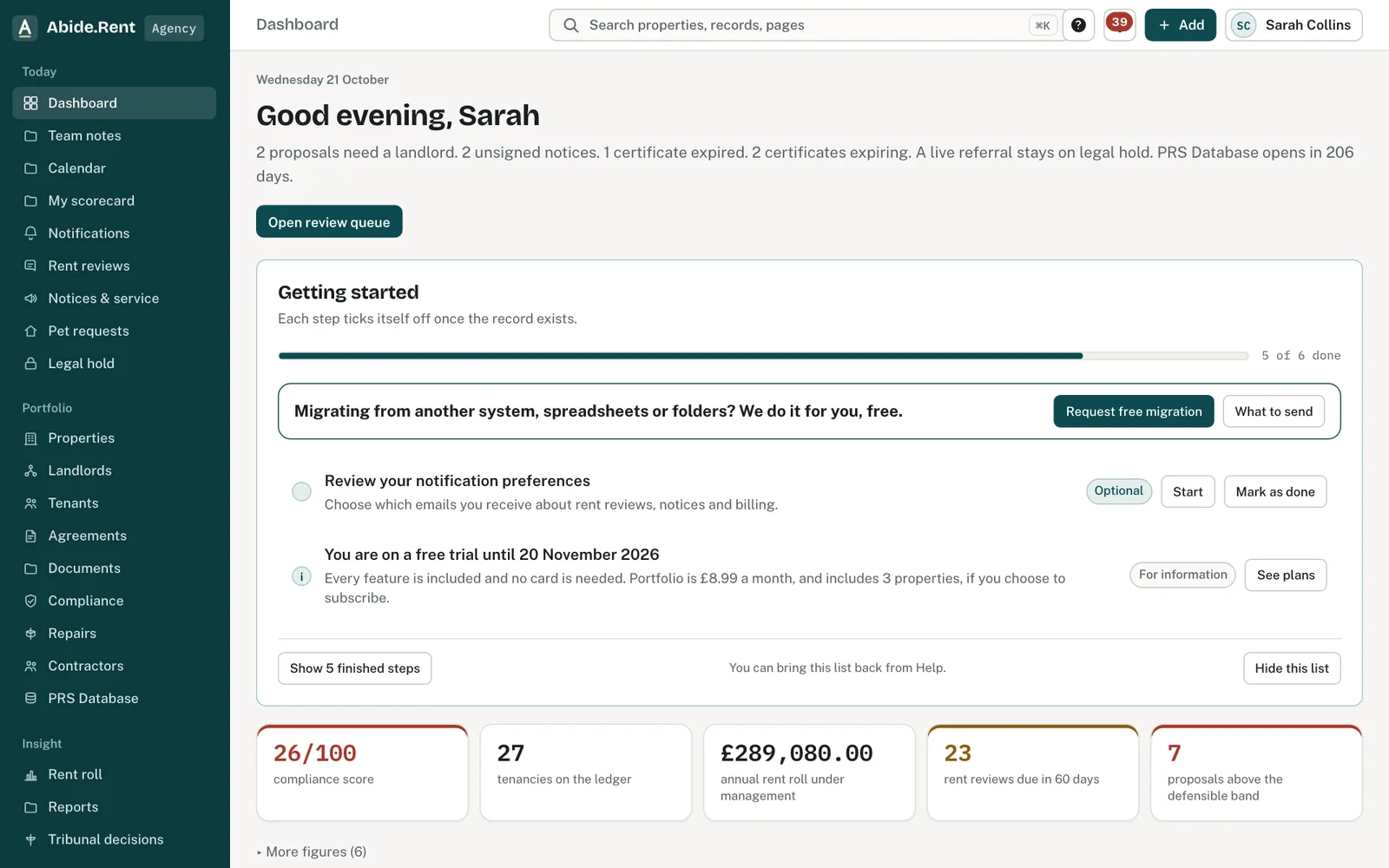
Reports: read-only views across the account, each exports to CSV.
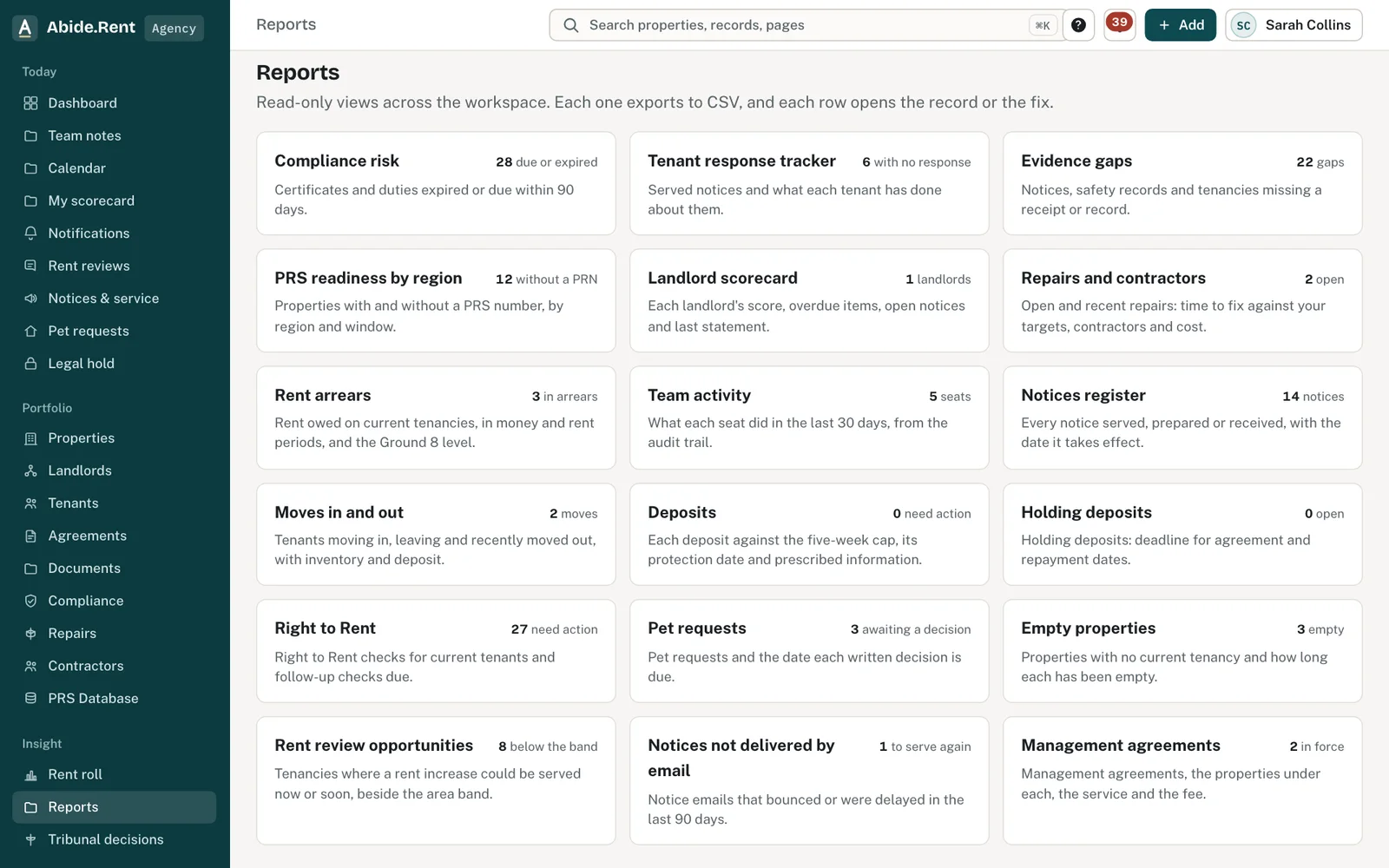
Compliance risk: what is due, for which property and landlord.
What you are deciding
Which report answers the question in front of you, and what to do with the rows it lists.
Your options
- Compliance risk. Certificates and duties that have passed their date, or fall due within 30, 60 or 90 days, by property and landlord, with each property's compliance score.
- Tenant response tracker. Every served Form 4A, Section 8 and other notice, the day it counts as served, the tenant's response and the days since service.
- Evidence gaps. Notices with no tenant receipt or delivery evidence, safety records given without the tenant's confirmation, and tenancies with no statement of terms, Information Sheet or deposit prescribed information recorded.
- PRS readiness by region. How many properties in each region have a Property Registration Number, beside that region's registration window.
- Landlord scorecard. Each landlord's properties, average compliance score, overdue items, open notices and last monthly statement.
- Team activity. What each person with a seat did in the last 30 days, from the audit trail. Agencies only, for owner and manager seats.
How to do it
- Open Reports under Insight. Each report shows a live count beside its name.
- Open a report. Read the short explanation at the top: it says exactly what is counted.
- Filter, sort or search the table. Select rows and choose Export to Excel to take them into a spreadsheet.
- Select the button on a row to open the record or start the fix.
Limits
A report lists up to 2,000 rows. If there are more, it says so at the top; filter the list or export it in parts. Every seat can read the reports, including read-only seats, except Team activity.
Abide.Rent keeps no record of the How to Rent guide, so Evidence gaps does not check it. A gap is a missing record in Abide.Rent, not proof that something was not done.
A worked example
On Tuesday 13 October 2026 an agency opens Compliance risk. It lists 14 rows: 3 expired, including a gas safety record that expired on Thursday 1 October 2026, 6 within 30 days and 5 within 90. The agent filters by landlord to see Lorna Bright's 4 properties, exports them to Excel for a call, and opens the PRS readiness report: 2 properties in the West Midlands still have no PRN, and that region's window opens on Tuesday 15 December 2026.
What Abide.Rent does for you
- Builds every report from the properties you can see, so another account's records never appear.
- Uses the same dates and compliance score as each property's own page.
- Says when a report has been cut at its row limit.
If something goes wrong
- “Reports are in agency and landlord workspaces.”
What to do: Switch to your agency or landlord account. - A report shows fewer rows than you expect
What to do: A filter may be on. Clear it, or choose All.
Common mistakes
- Reading the compliance score as a legal finding. It is Abide.Rent's own prompt from the records held.
- Expecting registration to happen from the PRS report. Registration is the landlord's to make; Abide.Rent does not file it.
What to do next
More in Compliance
 A contractor's job link and their uploadsEach job is sent with a private link that works for 30 days. Certificates a contractor uploads count only once you approve them.
 Contractors and the jobs you send themKeep your own list of contractors with their trades, areas, registrations and insurance, and send them jobs from a repair or a renewal.
 Gas safety, EICR and EPC datesRecord when each certificate expires and be reminded 30 days before. One page lists every date across your properties.