The 52 weeks run from the start of the tenancy or the last increase that took effect. A notice that never took effect does not move that date.
Who this is for: letting agencies and landlords.
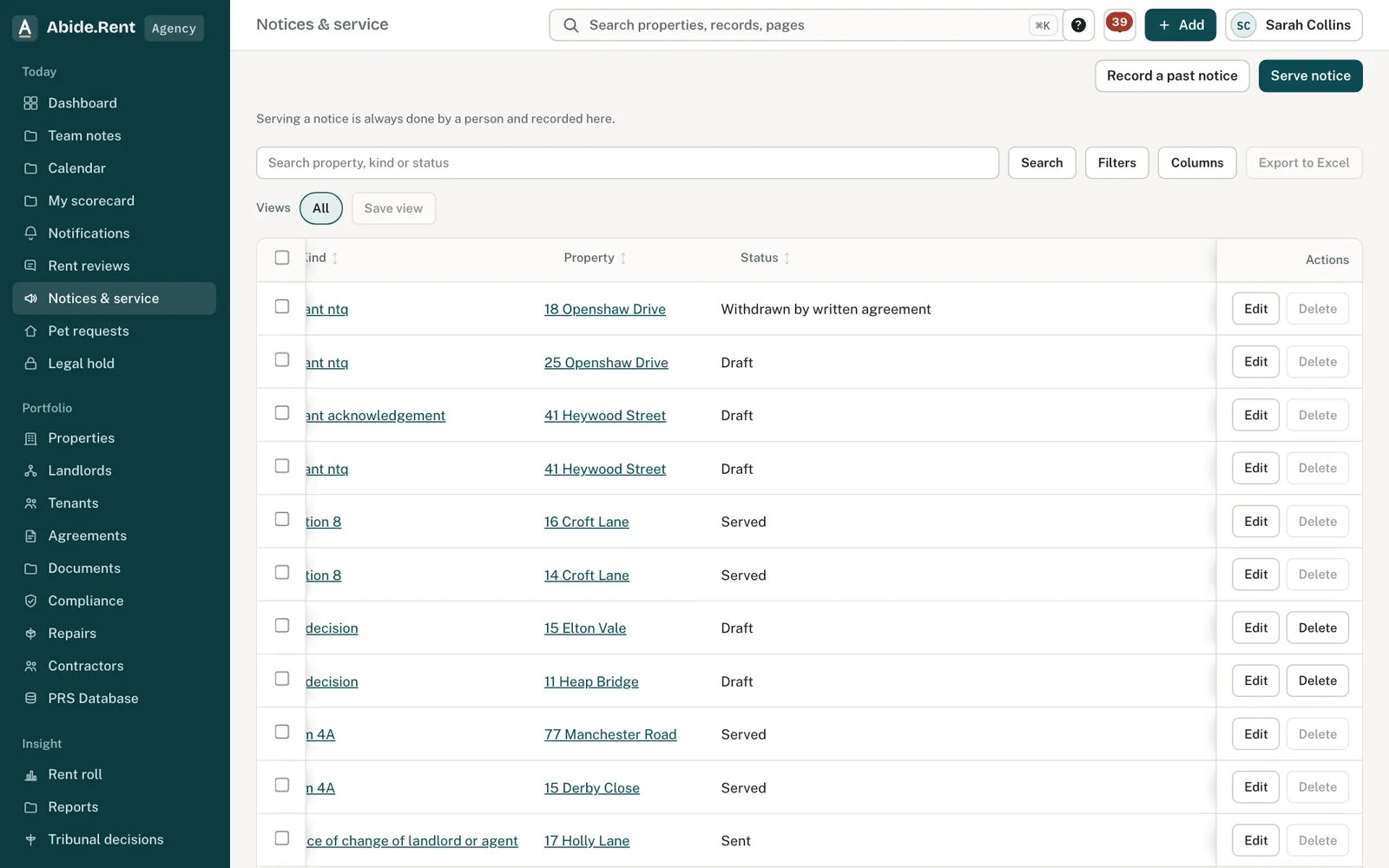
Notices & service: each notice with its status.
What you are deciding
Whether to serve a corrected notice.
Your options
- Record that it did not take effect. Record what was wrong. The notice stays on the file, marked as not taking effect.
- Serve a corrected notice. Generate a new Form 4A with a valid date and serve it.
- Take advice. If the tenant has already relied on the notice or referred it, take advice before acting.
How to do it
- Open the notice and record that it did not take effect, with the reason.
- Open Serve notice for the property and generate a new Form 4A.
- Check the start date Abide.Rent works out, sign and serve.
- Record service on the new notice.
A worked example
A notice served on 1 October 2026 proposed a new rent from 15 November, which was not the start of a rental period. On 20 October the agency records that it did not take effect, with that reason, generates a new Form 4A starting 1 January 2027 and posts it the same day.
What Abide.Rent does for you
- Keeps the defective notice and the reason on the file.
- Does not count a notice that did not take effect towards the 52 weeks.
- Stops that notice being signed, served or answered.
If something goes wrong
- “A void notice cannot be signed” / “… cannot be recorded as served”
What to do: Generate a new notice instead.
Common mistakes
- Deleting the defective notice. A served notice cannot be deleted; record that it did not take effect instead.
What to do next
Keep reading
All help articlesMore in Notices
 Bring past notices and dates onto the recordRecord a notice you served before you used Abide.Rent, a safety record you gave the tenant on paper, or a request received long ago, each with the day it really happened.
 Following a tribunal referralFrom the tenant's application to the decision: record the directions, prepare and send your statement, and keep track of an inspection or hearing.
 Record how a notice was servedRecord the method, the date and any tracking reference. Abide.Rent works out the date a posted notice counts as served.