When you propose a rent increase, Abide.Rent checks the date the new rent would start. If the date does not pass, the notice is not generated.
Who this is for: letting agencies and landlords.
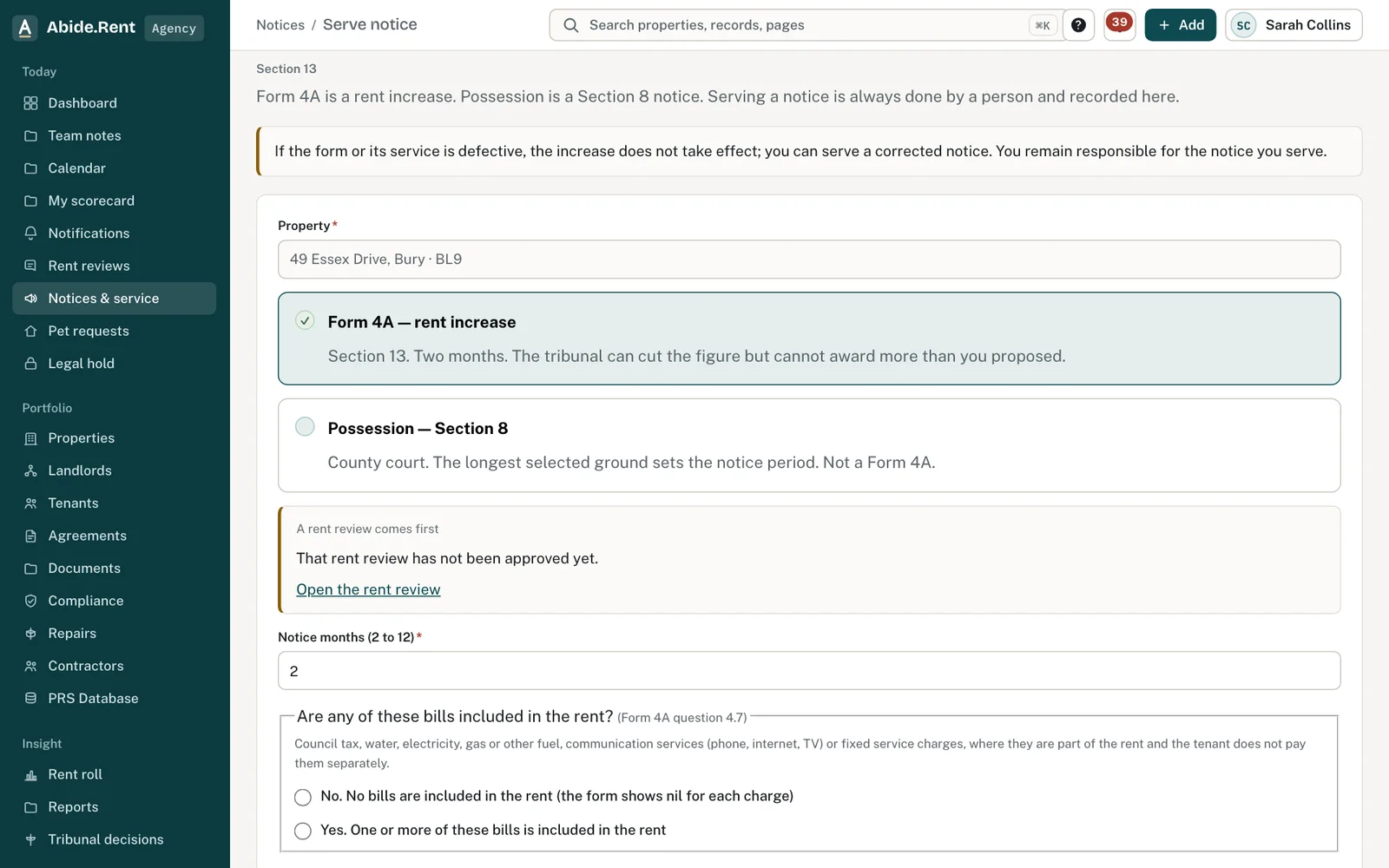
Serve notice: dates that break the rules are explained, not just refused.
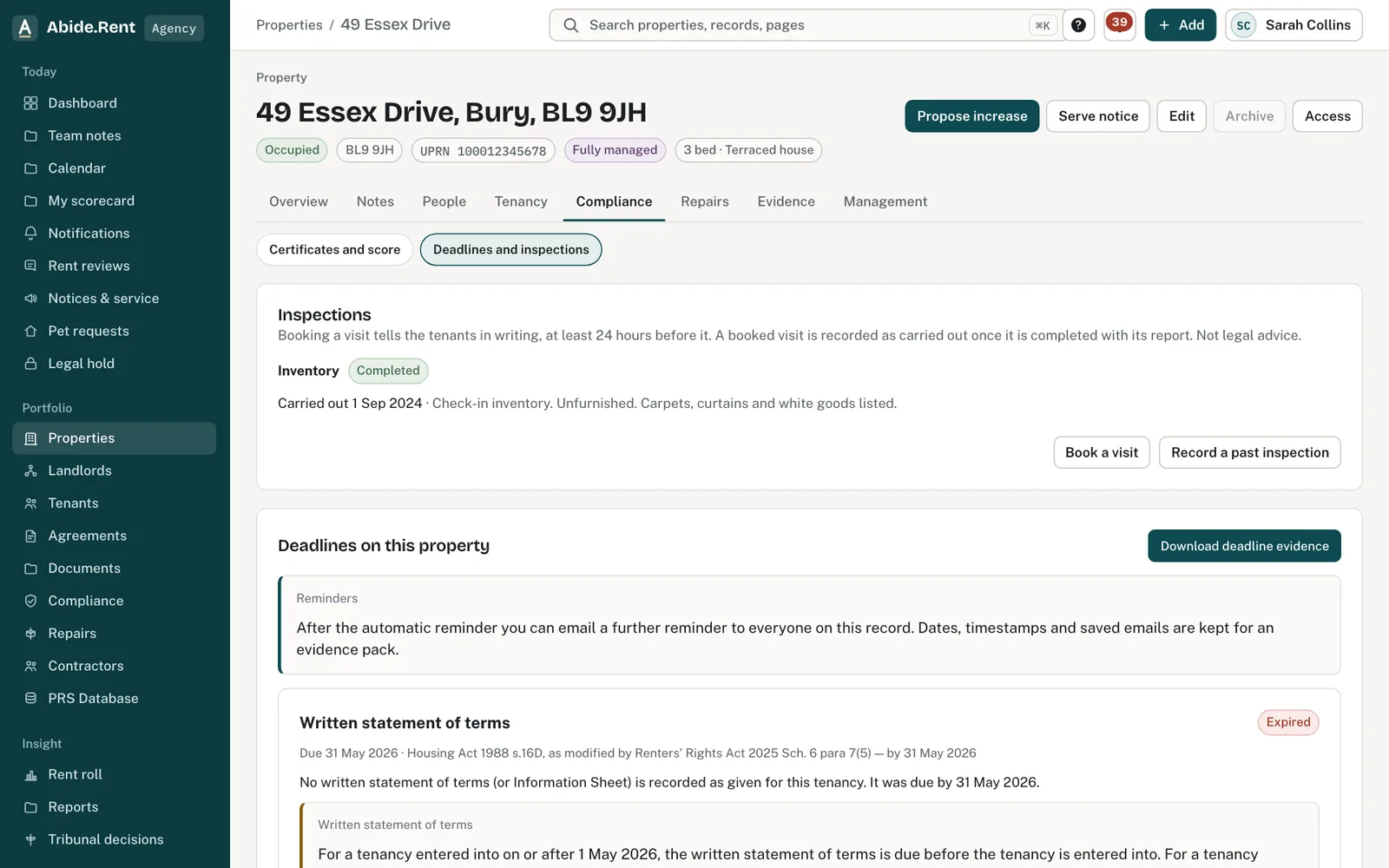
Deadlines and inspections, including the next rent increase date.
What you are deciding
Whether to move the start date, serve sooner, or correct a date on the tenancy.
Your options
- Not enough notice. The start date must be at least two months after the date the notice is served. Choose a later start date, or serve sooner.
- Not the start of a rent period. The start date must be the first day of a rent period. Check the rent day recorded on the tenancy.
- Less than 52 weeks since the last change. The start date must be at least that long after the tenancy began, or after the last increase took effect. Check both dates on the tenancy.
How to do it
- Read which of the three checks the date failed.
- If a date on the tenancy is wrong, open the property, go to the tenancy and correct the start date, the rent day or the last increase date.
- Go back to the rent review and choose the start date again.
A worked example
A tenancy began on Monday 1 June 2026 with rent due on the 1st. On Monday 5 October 2026 an agent proposes a new rent from Tuesday 1 December 2026. The date is refused twice over. A notice served on 5 October gives less than two months' notice of 1 December. And 52 weeks from the start of the tenancy is Monday 31 May 2027. The earliest date that passes all three checks is Tuesday 1 June 2027, with the notice served by Thursday 1 April 2027.
What Abide.Rent does for you
- Names the check that failed, with the dates it used.
- Suggests nothing on its own: you choose the new date.
- Stops a notice being generated with a date that does not pass.
If something goes wrong
- “Section 13 Form 4A needs at least two months' notice.”
What to do: Choose a start date at least two months after service. - “Increase must start at the beginning of a tenancy period (note A4).”
What to do: Use the day rent is due. - “A further increase cannot begin within 52 weeks of that date.”
What to do: Choose a start at least 52 weeks after the last increase took effect. - “Counted as served on …, this notice gives too little notice”
What to do: Posting adds two working days. Move the start date or serve sooner.
Common mistakes
- Changing the tenancy's start date to get a notice through. Correct it only if it was wrong.
- Reading the checks as a ruling on your notice. They follow the published notes to Form 4A; they are not a decision about it.
What to do next
More in Notices
 Following a tribunal referralFrom the tenant's application to the decision: record the directions, prepare and send your statement, and keep track of an inspection or hearing.
 Generate and serve a noticeCreate a rent increase notice or a possession notice for a property, check it, sign it and serve it.
 Section 13 rent increase notices (Form 4A)Form 4A is the notice used to propose a new rent. Abide.Rent generates it from an approved rent review and checks the dates first.