A rent increase from start to finish
The whole path of a rent increase: the figure, the landlord's approval, Form 4A, service, the tenant's reply and, if it comes to it, the tribunal.
- Reviewed
- Read
- 3 min
A rent increase has six stages. Each one has a date that the next depends on, so it pays to see them together before you start.
Who this is for: letting agencies and landlords.
Rent reviews: each proposal with its risk and approval.
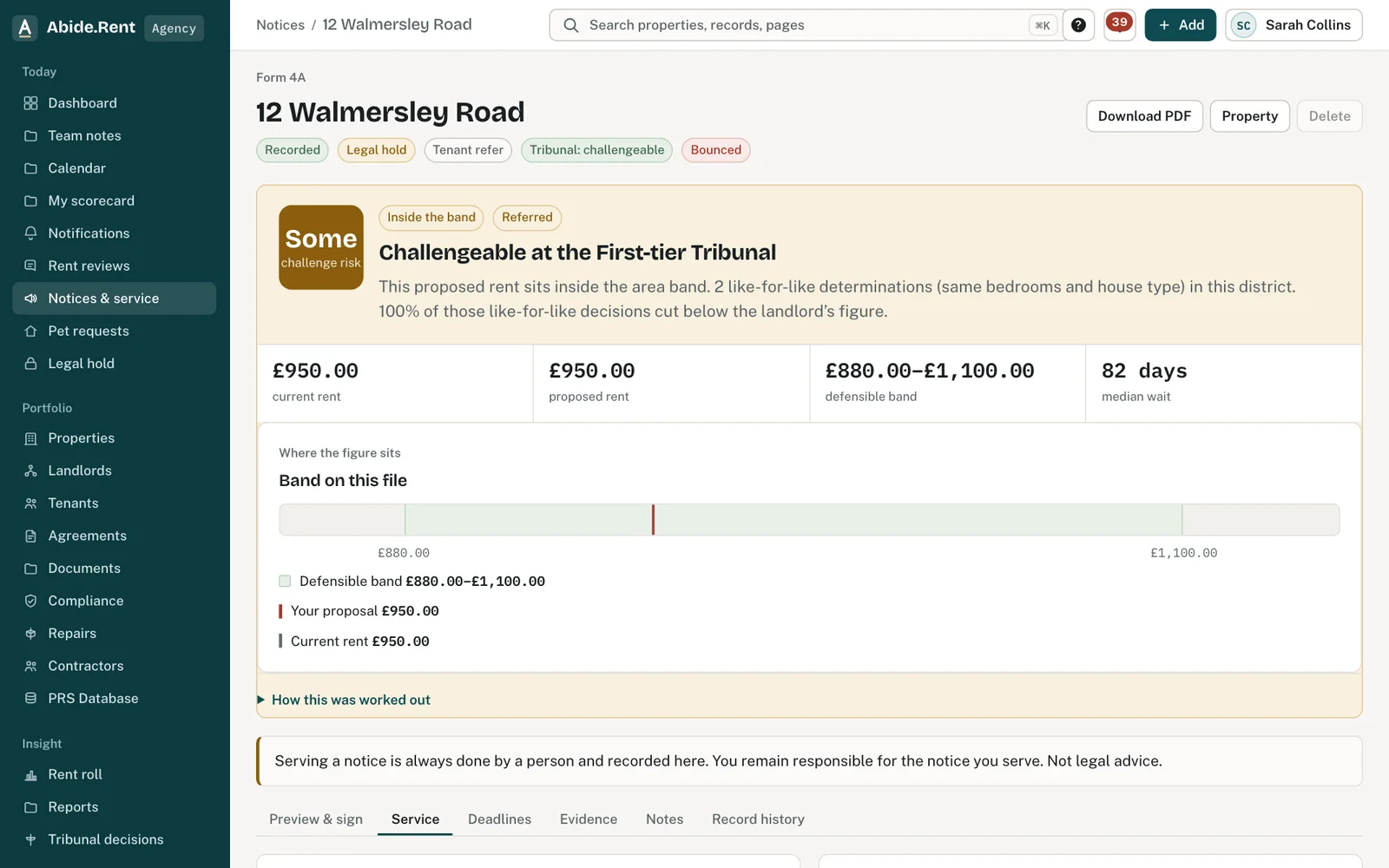
A served notice with its service record.
What you are deciding
What rent to propose, when it should start, and how the notice will be served.
Your options
- Propose a figure your own lettings support. The tribunal cannot set a rent higher than the one proposed, and in 60% of published decisions it set a lower one. A careful figure matters more than an ambitious one.
- Choose a start date with room to spare. The new rent cannot start until at least two months after the notice is served, on the first day of a rent period, and at least 52 weeks after the tenancy began or the last increase took effect.
- Serve by hand or courier. The day it is handed over, once recorded, is the day it counts as served.
- Serve by post. It counts as served on the second working day after posting. Weekends and bank holidays are not counted.
The six stages
- Market evidence. Set the figure against your own recent lettings. See Using tribunal decisions to sense-check a proposed rent.
- Propose. Start a rent review with the figure and the start date.
- Landlord approval. Where the agreement asks for it, the landlord approves before a notice is generated.
- Form 4A. Generate the notice from the approved review, check it against the official form and sign it.
- Serve and record. Serve it yourself and record how it was served.
- The tenant's reply. The tenant accepts, asks a question or says they are referring it to the tribunal. See What happens if the tenant goes to the tribunal?
A worked example
A tenancy began on Saturday 1 March 2025 at £1,250.00 a month, with rent due on the 1st. The agent proposes £1,325.00, an increase of 6%. The landlord approves on Friday 30 October 2026. Form 4A is posted first class on Monday 2 November 2026 and counts as served on Wednesday 4 November 2026. Two months from service is Monday 4 January 2027, and rent periods begin on the 1st, so the new rent can start no earlier than Monday 1 February 2027. The 52-week check is already met: 52 weeks after the start of the tenancy was Saturday 28 February 2026.
What Abide.Rent does for you
- Checks the start date three ways before the notice can be generated, and says which check a date fails.
- Works out the date a posted notice counts as served, skipping weekends and bank holidays.
- Carries the approved rent from the review into Form 4A, so the two cannot differ.
- Shows the tenant the notice only once service is recorded.
If something goes wrong
- “Generate the notice from an approved review before recording service.”
What to do: Have the landlord approve, then generate the notice. - “Form 4A is generated. Sign it before anyone records service.”
What to do: Open the notice and sign it. - “Record service of this notice before applying the increase.”
What to do: Record how and when it was served.
Common mistakes
- Choosing a start date exactly two months after the day you post. A posted notice counts as served two working days later, so the start date moves.
- Picking a start date that is not the first day of a rent period.
- Generating the notice before the landlord has approved the figure.
- Serving the notice and not recording it. The tenant cannot see or answer it until service is recorded.
What to do next
More in Rent reviews
 Start a rent reviewPropose a new rent for a tenancy, see how it compares with published tribunal decisions, and move on to the notice.
 What happens if the tenant goes to the tribunal?A tenant can ask the First-tier Tribunal to decide the rent. The tribunal cannot set it higher than the landlord proposed.
 Comparable lettings: the evidence that wins at the tribunalThe tribunal sets the rent from lettings of similar homes nearby. Achieved rents count far more than asking rents; three strong lettings make a case.