Start a rent review
Propose a new rent for a tenancy, see how it compares with published tribunal decisions, and move on to the notice.
- Reviewed
- Read
- 3 min
A rent review is the record of a proposed rent increase, from the first figure to the notice.
Who this is for: letting agencies and landlords.
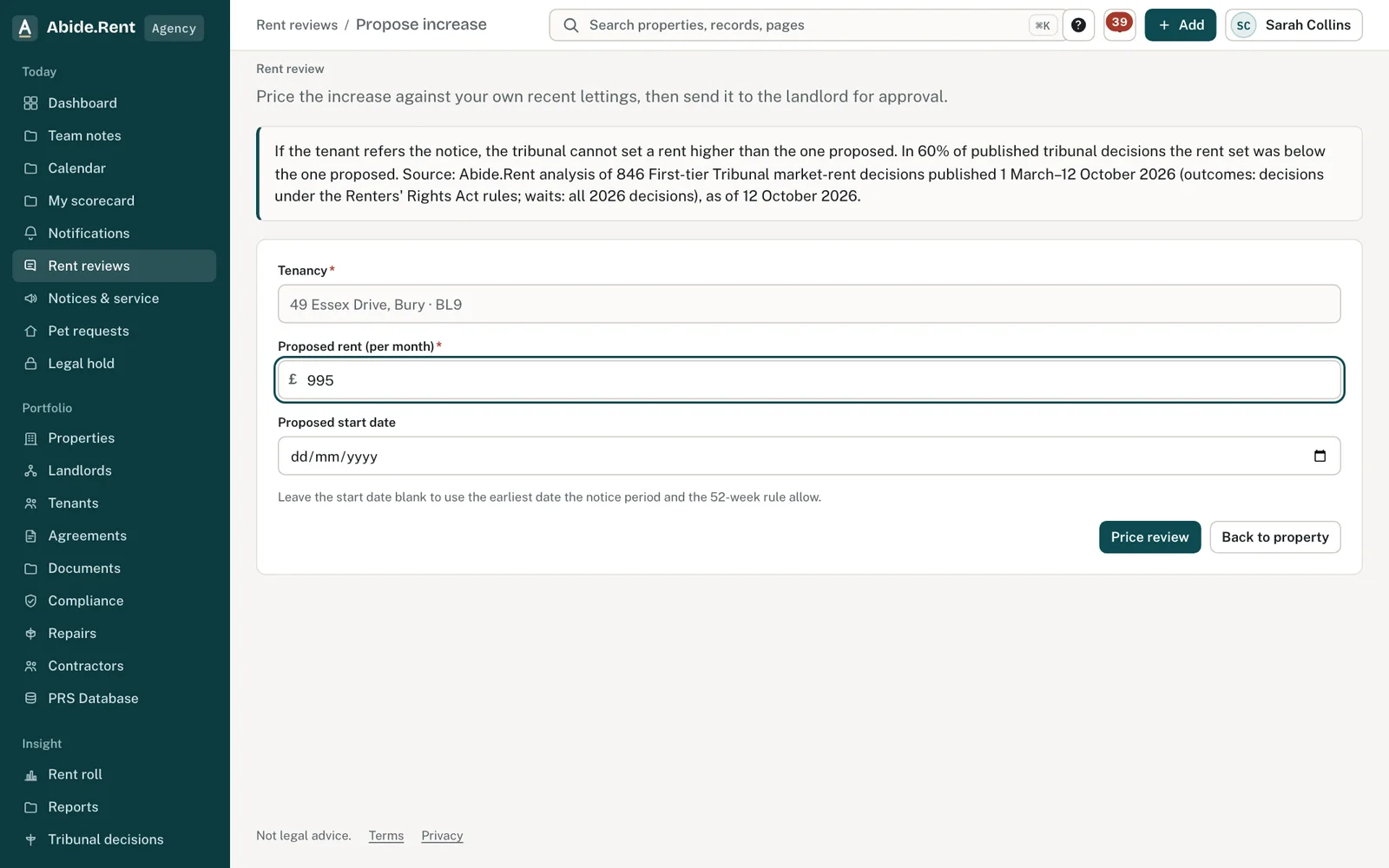
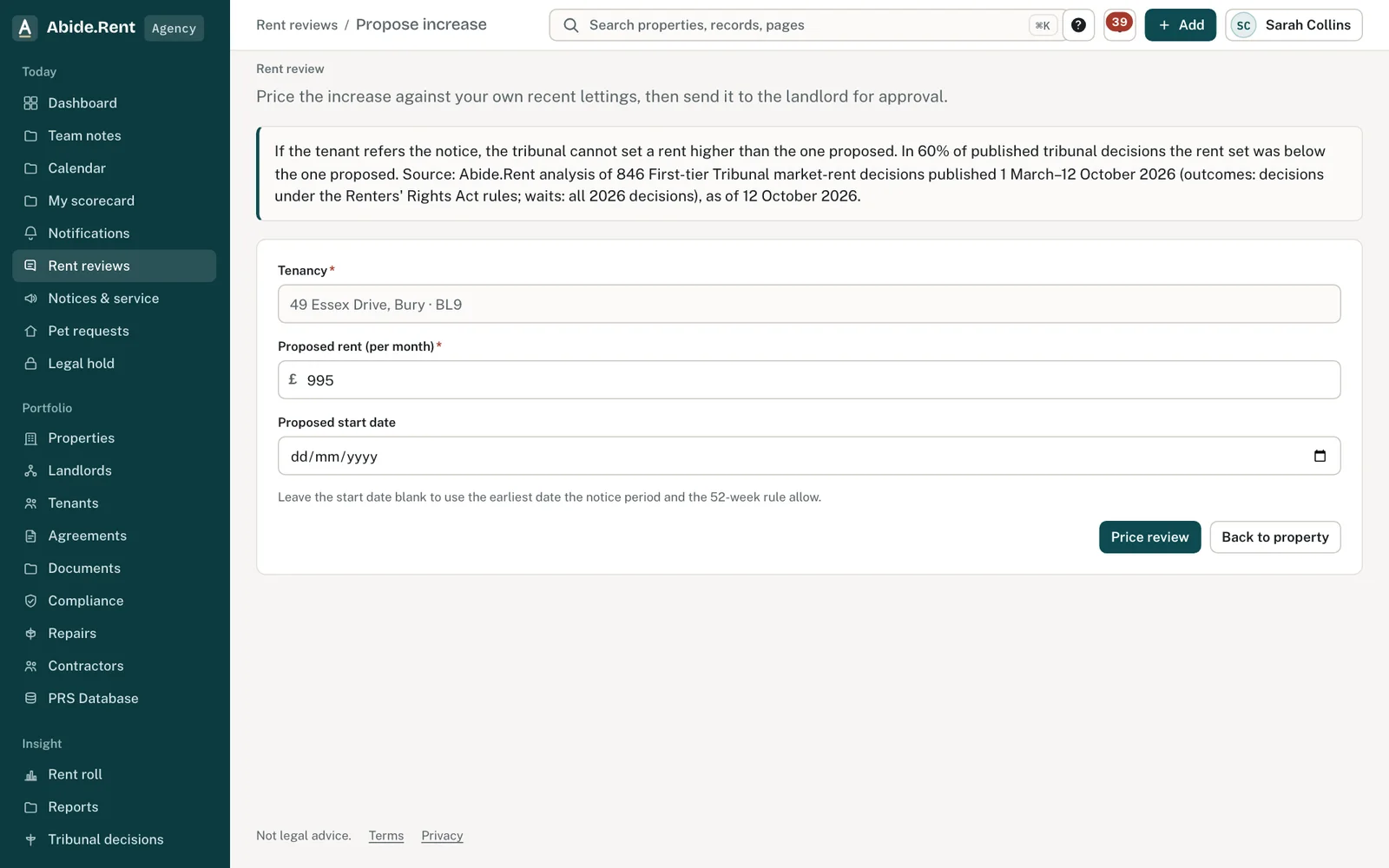
Propose increase: the tenancy, proposed rent and start date, then Price review.
The review: the defensible range, validity and the decisions behind it.
What you are deciding
The rent to propose and the date you would like it to start.
Your options
- A figure inside your own range. The review shows where your figure sits against your own lettings and published figures for the area. Inside the range, it is easier to support if challenged.
- A figure above your range. You can still propose it. If the tenant refers it, the tribunal cannot go above your figure, and may go below.
- Change or cancel. You can change the figure or cancel the review at any point before the notice is served.
How to do it
- Select Add at the top of any page, then Propose increase. You can also start from the tenancy on a property's page.
- Choose the tenancy. The list opens on your properties; type an address or postcode to narrow it.
- Enter the proposed rent in pounds a month and the date you would like it to start.
- Select the button to price the review.
- If the landlord must approve increases for this property, send the review to them. Once it is approved, generate the notice.
What you are shown
- Where your figure sits. A range based on your own lettings and published figures for the area.
- Checks on the date. Whether the start date passes the checks applied before a notice can be generated.
- Tribunal decisions nearby. The published decisions the comparison is based on.
A worked example
An agent reviews a two-bedroom flat let at £1,250.00 a month since Saturday 1 March 2025. Three similar flats the agency let nearby this year went for £1,290.00, £1,310.00 and £1,340.00. She proposes £1,325.00, 6% more, to start on Monday 1 February 2027. The review shows the figure inside her range and all three date checks passing, and she sends it to the landlord on Tuesday 27 October 2026.
What Abide.Rent does for you
- Builds the range from your own achieved lettings, not from asking prices.
- Runs the date checks before anything is sent to the landlord or the tenant.
- Keeps the review, the figure and who approved it with the tenancy.
If something goes wrong
- “Only one increase can be proposed in 52 weeks.”
What to do: The last increase took effect less than 52 weeks before your start date. Choose a later start. - “That rent review was cancelled. Price a new review first.”
What to do: Start a new review. - “This review can no longer be edited”
What to do: A notice has been generated or the landlord has decided. Cancel and start again if the figure must change. - The review shows high risk
What to do: The proposal is above the defensible range. Change the figure, or keep it and record why.
Common mistakes
- Pricing from adverts. Use rents you have actually achieved.
- Proposing a start date before checking when the notice can realistically be served.
- Starting a second review on a tenancy that already has one open.
What to do next
More in Rent reviews
 A rent increase from start to finishThe whole path of a rent increase: the figure, the landlord's approval, Form 4A, service, the tenant's reply and, if it comes to it, the tribunal.
 Comparable lettings: the evidence that wins at the tribunalThe tribunal sets the rent from lettings of similar homes nearby. Achieved rents count far more than asking rents; three strong lettings make a case.
 Condition and improvements: what the tribunal disregards (s.14(2))The tribunal values the home as it is let, but ignores the tenant's own improvements and any damage the tenant caused. Record both on the review.