A failed payment does not lock you out. Portfolio stays on for 14 days; then the account moves to Solo. Nothing is deleted.
Who this is for: letting agencies and landlords.
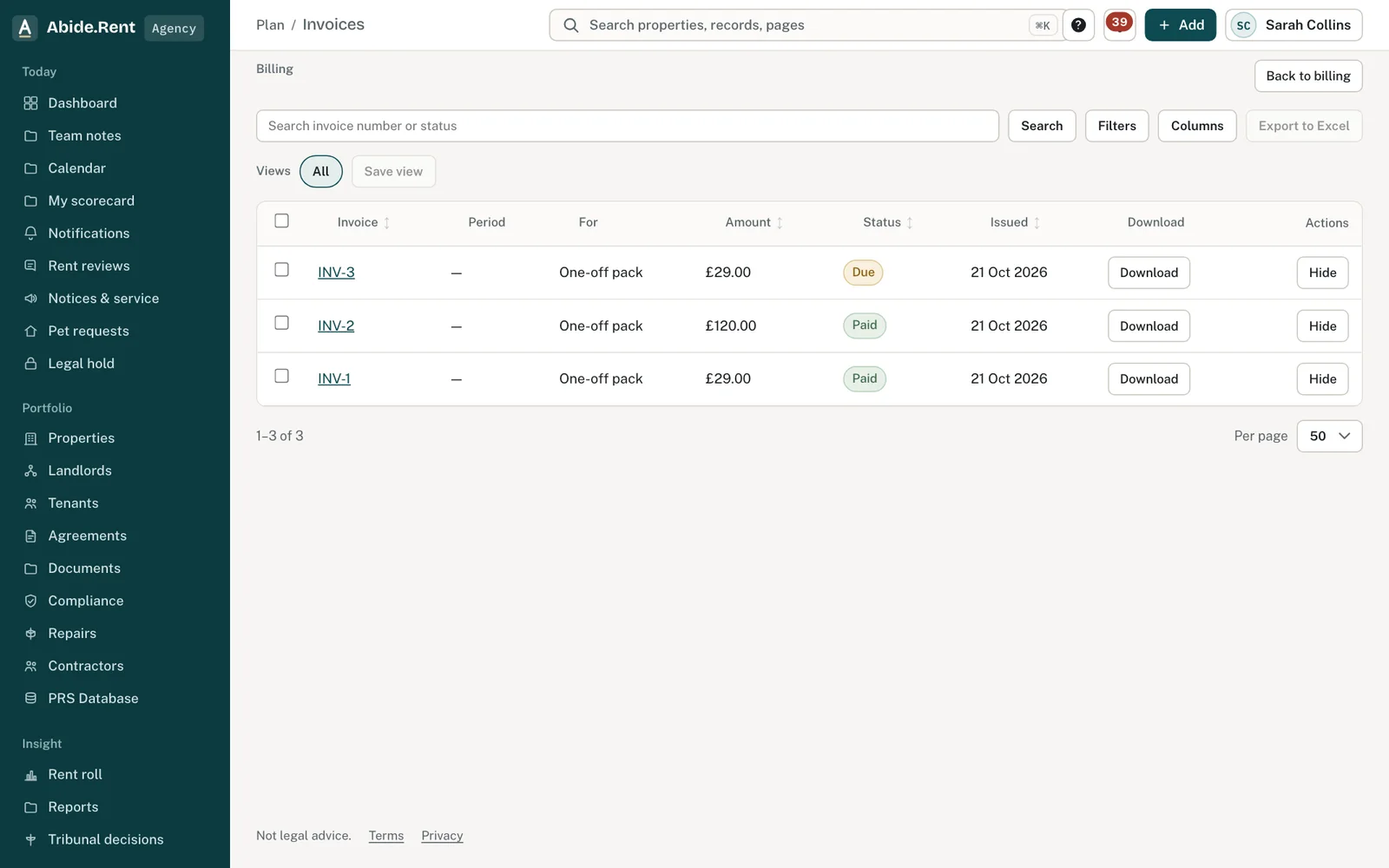
Invoices: paid, failed and refunded.
What you are deciding
Whether to update the card, or let the account move to Solo.
Your options
- Update the card. Under Billing → Manage payment method. The payment is tried again.
- Cancel. Portfolio stays on to the end of the period you have paid for, then the account moves to Solo.
- Stay on Solo. Solo is free for 1 property. Others stay readable; adding more waits until you subscribe.
How to do it
- Open Billing.
- Under Payment method, select Manage payment method and update the card.
- Check Invoices to see the payment go through.
A worked example
The card on Northgate Residential's account fails on 13 November 2026. Portfolio stays on until 27 November. On 16 November the owner updates the card; the payment goes through and nothing changes for the team.
What Abide.Rent does for you
- Emails the payer when a payment fails.
- Keeps Portfolio on during the grace period.
- Keeps everything under legal hold readable on any plan.
If something goes wrong
- “The card was declined. Update the card from billing and try again.”
What to do: Update the card under Billing → Manage payment method. - You are on Solo after a failed payment
What to do: The grace period ended. Update the card and subscribe again; nothing was deleted.
Common mistakes
- Opening a new account to get round a failed payment: your records are in the existing one.
What to do next
Keep reading
All help articlesMore in Billing
 How billing worksPortfolio is £8.99 a month, includes 3 properties. Solo is free for 1 property.
 Choosing between Portfolio, Solo and a one-off packPortfolio suits anyone who reviews rents or serves notices. Solo is free for 1 property. It suits small portfolios that only keep records. A pack covers one notice.
 Do I pay again for a notice on Portfolio?No. On Portfolio, rent reviews, notices and evidence packs are included.