HelpHelpChanging agent and leaving
Take over after the agent changes
When an agency stops managing your property, take it over in your landlord account. The file and its history come with it.
- Reviewed
- Audience
- Landlords
- Read
- 1 min
If your agent stops managing a property, you can take it over. The property file continues: notices, certificates and the last increase date.
Who this is for: landlords.
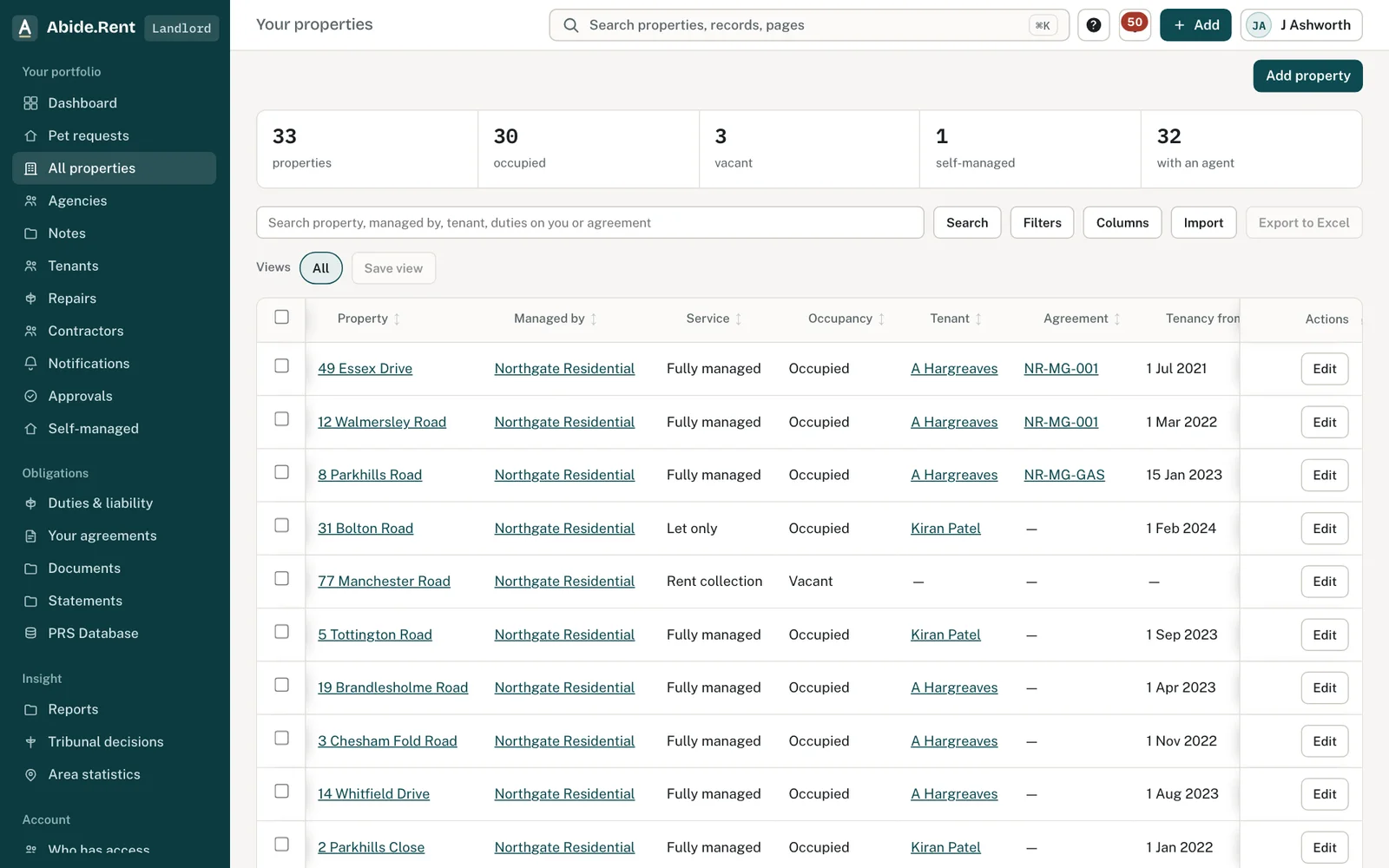
Your properties, with their records intact.
What you are deciding
Whether to manage the property yourself or appoint a new agent.
Your options
- Take it over. Open Ownership → Take over and claim the property into your account.
- Appoint a new agent. The new agency starts a change of agent for the property.
- Accept a continuity offer. If the old account is closing, accept the offer to keep the file.
How to do it
- Open your landlord account.
- Open Ownership → Take over and choose the property.
- Confirm you are the owner on the title.
- Check the property's records in Your properties.
A worked example
Prestwich Lets stops trading on 31 October 2026. On 2 November J Ashworth takes over 9 Prestwich Walk. The gas safety record, the tenancy and a Form 4A served in June are all on the property in his account.
What Abide.Rent does for you
- Moves the property file with its history.
- Leaves the old agent a read-only copy of their own time.
If something goes wrong
- “Only a title owner can claim”
What to do: Only the owner on the title can take the property over. - “That workspace is closing and cannot take on properties.”
What to do: Use another account.
Common mistakes
- Adding the property again as new. Take it over instead so the history comes with it.
What to do next
Keep reading
All help articlesMore in Changing agent and leaving
 Continuity offers: when an account closes or moves to SoloIf the account that holds a property closes or drops to Solo, an agency working on that property is offered the record so nothing is stranded.
 Changing agent: handing a property overA change of managing agent is an offer the new agency accepts. The property, its rent history and every issued notice move together.
 Control follows payment; evidence does notWhoever pays runs the account. Documents already issued stay with each party, and a legal hold stays open.