HelpHelpChanging agent and leaving
Exporting your records and leaving Abide.Rent
Export everything at any time, on any plan. If you leave, landlords and tenants keep their own copies of what was issued.
- Reviewed
- Read
- 2 min
Your records are yours. You can take a copy whenever you like, whichever plan you are on.
Who this is for: letting agencies and landlords.
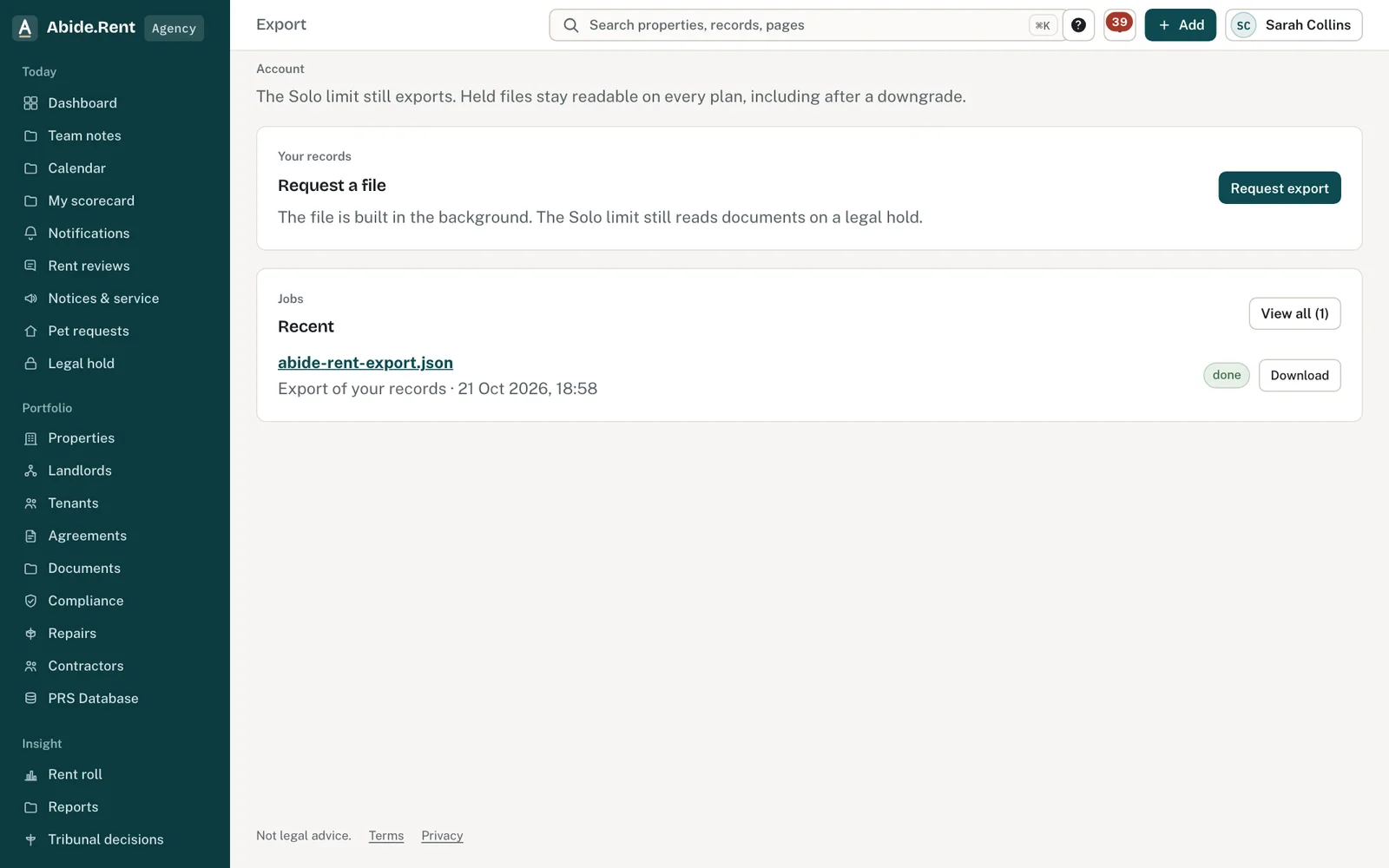
Export your records first.
What you are deciding
Whether you want a copy for your own files, or to leave altogether.
Your options
- Export a copy. A file of your records is built in the background and listed under Export history when it is ready. Nothing changes in your account.
- Cancel your subscription. Your account moves to Solo. Everything stays readable and exportable.
- Close the account. Closing stops Portfolio from renewing. Records stay. Issued copies stay with each party, and a legal hold stays open until it ends.
How to do it
- Open Export and select Request export.
- When the file is ready it appears under Export history, where you can download it.
- To close your account, open Settings, then Close account, and choose Close the account. Export first. Closing keeps your records, and issued copies stay with each party.
A worked example
An agency decides on Monday 1 March 2027 to stop using Abide.Rent at the end of the month. It requests an export that morning and downloads the file at lunchtime: 210 properties, their tenancies, certificates, rent reviews and notices. Two notices are under legal hold because of a tribunal referral. The agency closes the account on Wednesday 31 March 2027. Portfolio stops renewing. Its landlords are told their records are intact, its tenants keep their own copies of every notice, and the two held notices stay available until their hold ends.
What Abide.Rent does for you
- Exports on every plan, including Solo.
- Keeps each earlier export listed, with the file.
- Leaves landlords and tenants with their copies of everything already issued.
If something goes wrong
- “You cannot start your own exit. Ask another owner or manager.”
What to do: Another owner or manager closes a seat. - “This exit has already been carried out.”
What to do: The seat is already closed.
Common mistakes
- Closing an account before downloading the export.
- Expecting a closed account to remove documents from a tenant's portal. Issued copies stay with the people they were issued to.
What to do next
More in Changing agent and leaving
 Continuity offers: when an account closes or moves to SoloIf the account that holds a property closes or drops to Solo, an agency working on that property is offered the record so nothing is stranded.
 Control follows payment; evidence does notWhoever pays runs the account. Documents already issued stay with each party, and a legal hold stays open.
 Export your fileDownload a copy of your records at any time, on any plan, including Solo.